How do I simplify the manual process of gathering, maintaining, and feeding fresh context for Claude Code? This is a question I found myself asking each time I needed to perform some sort of data analysis. Turns out - I just needed to let Claude Code use Claude in Chrome directly via the terminal. Yeah, that statement is a mouthful. But this has quietly become one of my daily drivers.
Here's the problem I picked to tackle with Claude in Chrome and how I arrived at my aha-moment.
The recurring workflow
I have two workflows that repeat every cycle: pull feature adoption data from an analytics dashboard, and cross-reference it with support ticket data from a BI tool (Looker). The goal - track trends, generate insights, and figure out if feature engagement is actually moving the business outcome.
The manual version of this:
- Open the analytics dashboard, click through 4-5 tabs, adjust date ranges, screenshot trends, note the top customer accounts
- Switch to Looker, apply filters for those accounts, run the query, export a CSV
- Open the CSV, manually cross-reference adoption metrics against ticket volume
- Write up findings
About 2-3 hours every cycle. Then repeat the same thing next cycle while maintaining previous + current versions of these CSV files and reports.
Is the data gathering complicated? No. The time sink is in the analysis layer. Which accounts matter? Are they repeating across months? What's signal vs noise? That context lives in my head AND in a PM-specific directory on my local machine where Claude Code runs the show.
The constraint
The dashboards I use don't have easy API access. Building custom integrations would take weeks of eng effort I don't have. The data lives behind authenticated browser sessions - so APIs and MCP servers weren't going to easily solve this.
This is when it hit me: what if Claude Code could use Claude in Chrome to perform these recurring tasks?
Does that mean I type a prompt that painfully lists down each step I perform on a web application?
The aha moment
I found describing my interaction patterns and how I use the applications to Claude Code limiting. There's only so much one can type. Even if you're using a speech-to-text workflow as I do, you still cannot reliably convey how applications are structured and where each field, each click, needs to be registered for an LLM to fully understand.
This is when I found Claude in Chrome's "Teach Claude your workflow" option. You point-shoot-click-speak, and Claude in Chrome captures these interactions on the app and outputs them as an LLM prompt! This was it.
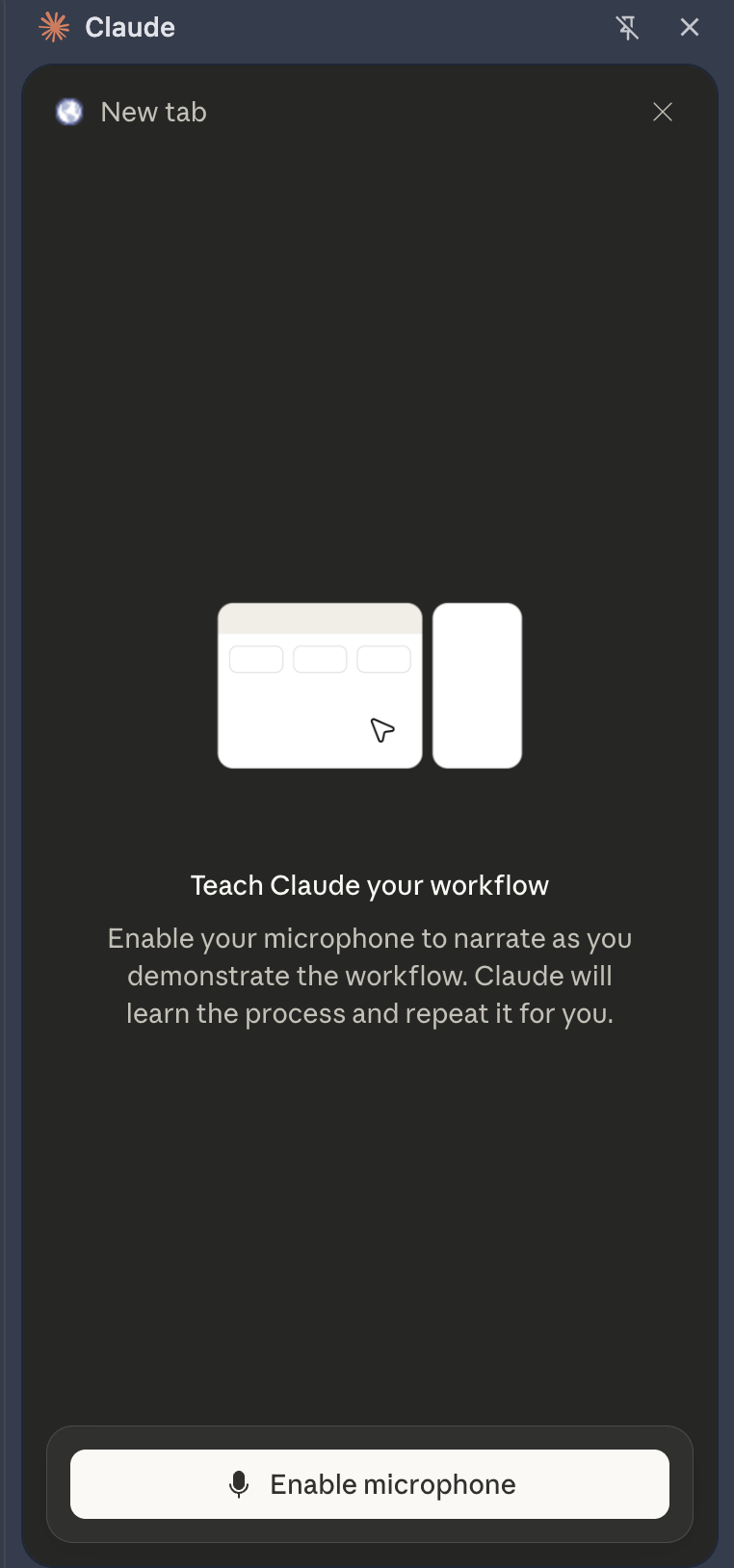
I "taught" Claude my workflow across the relevant applications and it generated the corresponding input prompt. Because Claude SAW what I was doing and heard me speak into the microphone, the context and process of navigating distinct applications was preserved.
Taking it forward
I then fed that input prompt to Claude Code and ask it to create custom skills — something you can invoke with a / command, at will.
The result was two skills that work sequentially:
Skill 1: Asks me to confirm the date range, opens my analytics dashboard in Chrome, navigates each tab, adjusts filters, extracts data, and generates a structured trend report. All locally.
Skill 2: Reads trend report from Skill 1, identifies the top customer accounts, opens Looker, pulls their support ticket data, and produces a cross-referenced impact report.
No API or MCP requirements. And since Claude Code already has all my PM context in its project directory, I don't need to spend time re-sharing the same context in each new conversation.
Impact
My job switched from manual data gathering and report drafting to vetting the final report and deciding what to do next. The context stays fresh because the skills pull live data every cycle. The analysis stays grounded because Claude Code already knows my initiative, my metrics, and what "good" looks like.
Of course, this isn't a silver bullet - nor did I one-shot this. The skills were refined iteratively. But I find this to be a genuinely useful way to automate the gap between "the data is siloed across X apps" and "here's the data, ran the analysis, here's the finding - waiting for you to vet and report."